Dashboard
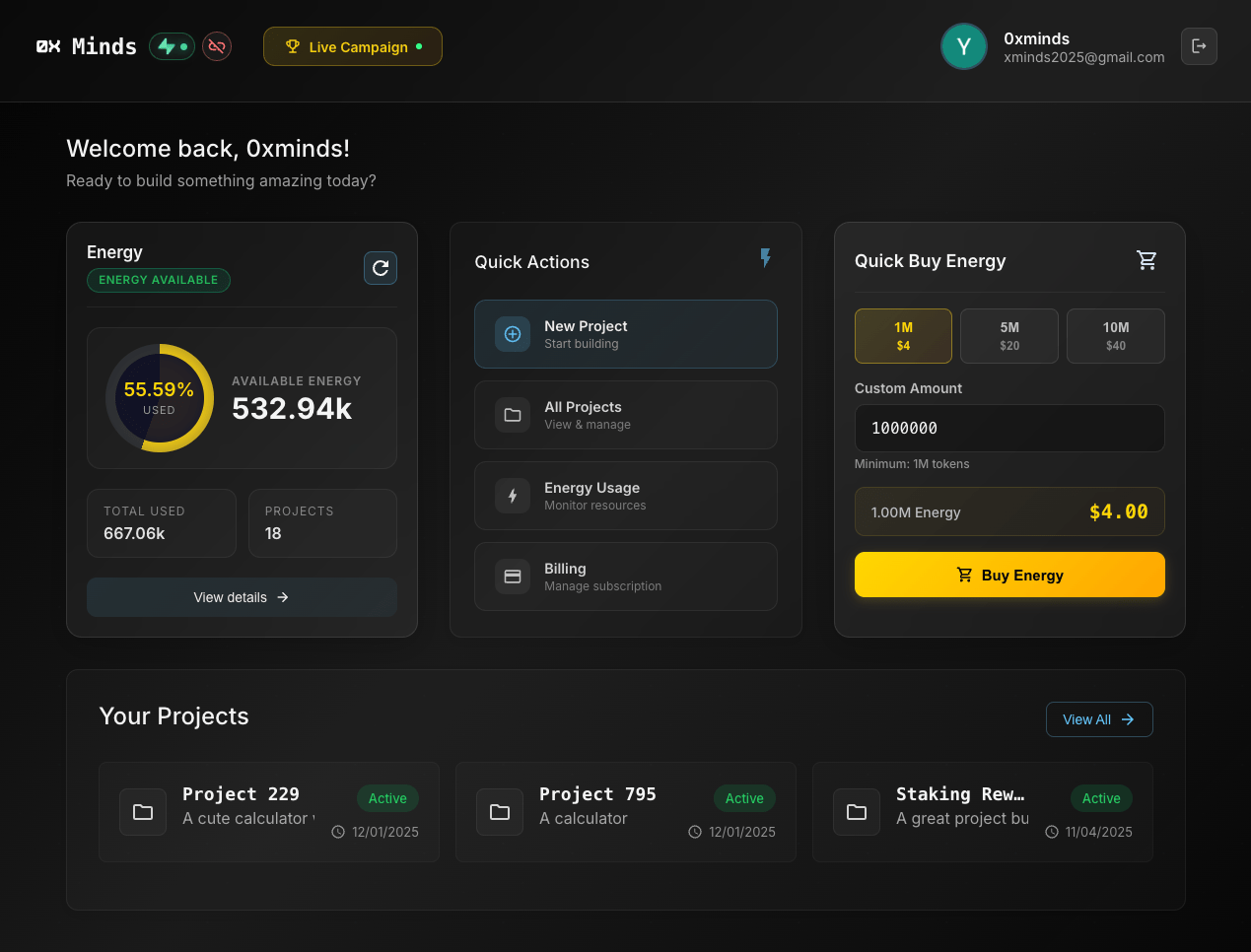
The dashboard is your main page with the welcome message: "Welcome! What do you want to build today?"
Quick Access
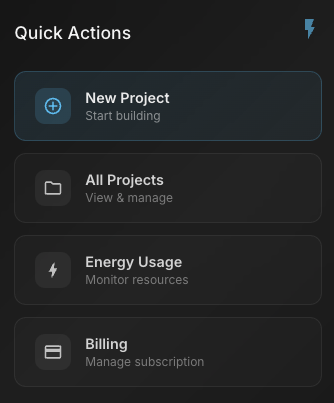
At the top of the dashboard, you have four quick access buttons:
| Button | Purpose |
|---|---|
| New Project | Start building a new project |
| All Projects | View list of all projects |
| Energy Usage | Check consumed energy |
| Billing | Payment history |
Project Stats
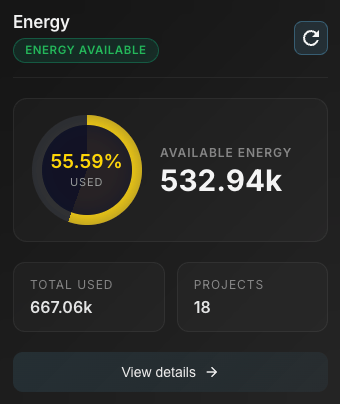
On the dashboard you can see your overall project statistics:
- Projects: Total number of projects
- Active: Published projects
- Success: Success rate
Project List
All your projects are displayed on the dashboard:
- Project Name: Click to enter
- Created Date: When it was created
- Status: Active or inactive

View Project
Click on a project card to enter the workspace.
Delete Project
- Click the three-dot icon on the project
- Select "Delete"
- Confirm
Warning
Deleting a project is irreversible. All code and chats will be deleted.