Login to 0xMinds
Logging in to 0xMinds is free and takes just a few seconds.
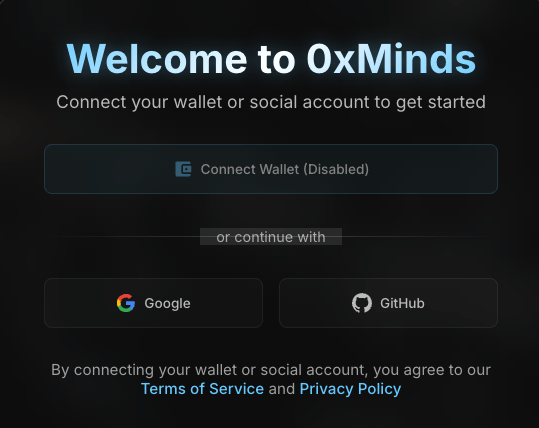
Login Methods
With Google
- Go to 0xminds.com
- Click the "Sign in with Google" button
- Select your Google account
- Confirm access
- You're automatically logged in
With GitHub
- Click the "Sign in with GitHub" button
- Select your GitHub account
- Confirm access
- You're automatically logged in
Note
If it's your first time logging in, your account will be created automatically.
After Login
After successful login, you'll be redirected to the dashboard where you can:
- Create your first project
- Start with free energy
- Use the AI assistant
Logout
To logout:
- Click on your profile icon
- Select "Logout"