Create a New Project
A project is where your website is built and where you work with AI.
How to Create a Project
From Dashboard
- Go to the dashboard
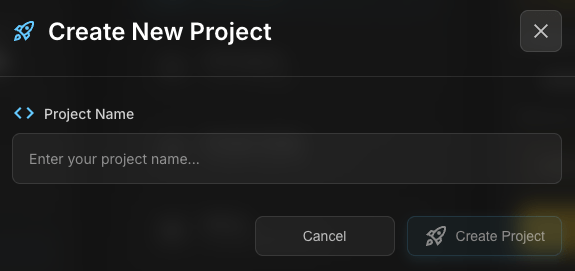
- Click the "New Project" button
- Describe what you want to build
- 0xMinds starts building

Tips for Describing Your Project
The better your description, the better the result:
Weak
"Build a website"
Good
"Build an online store that shows products and has a shopping cart"
Excellent
"Build an online bookstore. The homepage shows a list of books with cover images, author names, and prices. Users can add books to cart and checkout. Use blue and white color scheme."
Tip
Include important details: What type of site? What features? What colors? What look?
Supported Frameworks
0xMinds can work with different frameworks:
| Framework | Description |
|---|---|
| React | Popular frontend library |
| Vue | Simple and powerful framework |
| Next.js | React framework with SSR |
| HTML/CSS/JS | Simple static site |
After Creation
After creating a project, you enter the workspace which includes:
- Chat: Talk with AI
- Preview: View the result
- Source: Generated code
- Explorer: Browse files
